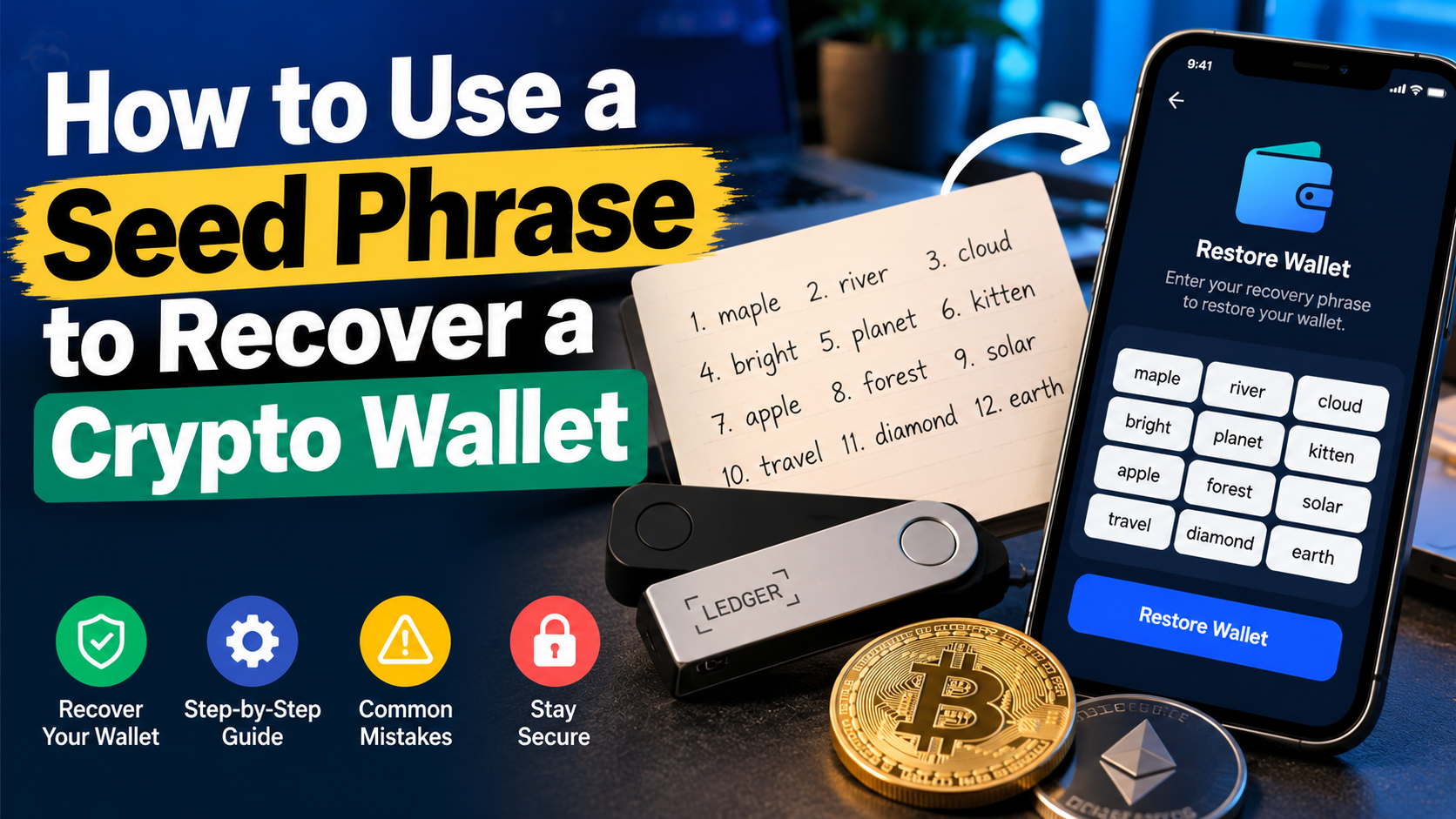

Losing access to your cryptocurrency wallet can be stressful, especially when it contains Bitcoin, Ethereum, or other digital assets. The good news is that you may be able to recover your crypto wallet using your seed phrase, even if your phone is lost, your computer stops working, or you accidentally delete your wallet app.
A seed phrase, also called a recovery phrase or mnemonic phrase, is a sequence of words that can help restore access to a cryptocurrency wallet. However, recovery depends on using a compatible wallet and entering the correct recovery information.
In this guide, you will learn how to use a seed phrase to recover a wallet, what to do if the recovery process fails, and how to avoid common mistakes that could put your cryptocurrency at risk.
Important security warning: Never share your seed phrase with anyone. Do not enter it into a website, online form, chat, or support ticket. This article will explain the recovery process without asking you to reveal your recovery words.
What Is Crypto Wallet Recovery?
Crypto wallet recovery is the process of restoring access to your cryptocurrency wallet using the recovery information associated with it.
Most self-custody wallets provide a recovery phrase when you create a wallet. Depending on the wallet, this phrase usually contains 12, 18, or 24 words.
Your recovery phrase can help a compatible wallet recreate the cryptographic keys needed to access your assets. Your cryptocurrency generally remains recorded on its respective blockchain; the wallet provides the means to access and manage it.
For example, if you lose your phone but have securely backed up your recovery phrase, you may be able to restore your wallet on another compatible device.
However, a seed phrase does not automatically recover every wallet or account. Different wallets may use different recovery standards, derivation paths, networks, or additional passphrases.
Seed Phrase vs. Private Key
A seed phrase and a private key are related, but they are not the same thing.
- Seed phrase: A set of recovery words used by compatible wallets to recreate wallet keys.
- Private key: A cryptographic secret that authorizes transactions for a particular blockchain address.
- Public address: An address that can generally be shared to receive cryptocurrency.
Anyone who obtains the relevant seed phrase or private key may be able to take control of the associated funds. Protect both carefully.
Before You Restore Your Crypto Wallet
Before starting the recovery process, take a few minutes to verify the following details.
1. Locate Your Original Recovery Phrase
Find the recovery phrase you recorded when you first created your wallet. It may be written on paper or stored in another secure offline backup.
Check that you have all the words and that their order is correct.
Never upload a photo of your seed phrase or paste it into a website to check whether it is valid.
2. Identify the Original Wallet
Determine which wallet you originally used. It could be a software wallet, a mobile wallet, a browser wallet, or a hardware wallet.
Whenever possible, use the wallet provider's official website or verified app-store listing to locate its software.
Avoid sponsored search results or links sent through unsolicited messages. Scammers sometimes create fake wallet applications that look almost identical to legitimate products.
3. Check Whether You Used an Additional Passphrase
Some wallets support an optional passphrase in addition to the recovery phrase. This is sometimes called a 25th word, although it may be a longer password rather than a single word.
If you created such a passphrase, you may need the exact same one to restore the original wallet.
The recovery phrase alone may open a different wallet if an additional passphrase was used.
4. Understand the Difference Between Wallet Types
The recovery process depends on the type of wallet you use.
- Software wallets: Usually provide a restore or import option inside the application.
- Hardware wallets: Generally require you to follow the manufacturer's recovery procedure on the physical device.
- Exchange accounts: Usually require account recovery through the exchange rather than a seed phrase, unless you specifically use a self-custody wallet provided by that service.
If your cryptocurrency was held in a centralized exchange account, do not assume that a seed phrase from a separate wallet can recover that account.
How to Use a Seed Phrase to Recover a Wallet
The exact steps vary by wallet provider. The following process describes the general approach for restoring a self-custody wallet.
Step 1: Install the Official Wallet Application
If your original device is lost or damaged, obtain the wallet application on a replacement device.
Use the wallet provider's official website to find the correct download link. Verify the publisher before installing an application.
For a hardware wallet, follow the manufacturer's official recovery instructions. Never enter your recovery phrase into a random website claiming to provide hardware wallet recovery.
Step 2: Select the Restore or Import Option
Open the wallet application and look for an option such as:
- Restore wallet
- Import wallet
- Recover existing wallet
- I already have a wallet
The exact wording depends on the application.
Choose the option intended for restoring an existing wallet rather than creating a completely new one.
Security note: Some wallet providers use different recovery flows. If the app does not offer a recovery option, consult its official documentation before proceeding.
Step 3: Enter Your Recovery Phrase Locally
Follow the wallet's official recovery instructions to provide your recovery words.
Only do this within the verified wallet application or on the intended hardware wallet recovery interface. Do not enter your phrase into a browser page, online recovery tool, search engine, messaging app, or support form.
Check that each word is correct and that the words appear in the original order.
A single incorrect word or an incorrect sequence can prevent recovery.
Step 4: Complete Any Additional Verification
Depending on your wallet, you may need to create a new local password, set a PIN, or enter an additional passphrase.
These credentials may protect access to the wallet application or device. They are not necessarily the same as your seed phrase.
Keep any new credentials secure and follow the provider's official instructions.
Step 5: Check Your Wallet Addresses and Balances
After recovery, check whether the wallet displays the expected addresses and cryptocurrency balances.
If your wallet appears empty, do not immediately assume your funds are gone. The wallet may be displaying a different account, blockchain network, or address derivation path.
Check the following:
- Are you using the correct wallet application?
- Did you restore the correct recovery phrase?
- Did you use the same additional passphrase, if applicable?
- Are you viewing the correct blockchain network?
- Does the wallet support the same account type and derivation path as the original wallet?
If you still cannot find your assets, consult the wallet provider's official recovery documentation. Never share your recovery phrase with support.
What to Do If Your Seed Phrase Is Not Working
A failed recovery attempt does not necessarily mean your cryptocurrency is permanently lost. Several issues can prevent a wallet from restoring correctly.
Incorrect Words or Word Order
Recovery phrases are order-sensitive. A phrase containing the right words in the wrong order will generally not restore the intended wallet.
Check your original offline backup carefully. Do not share it with anyone or submit it to an online seed phrase checker.
Using an Incompatible Wallet
Not every wallet supports every recovery format or configuration.
If your original wallet is not restoring correctly, research which recovery standards and account types it supports. Use a compatible wallet from a verified source.
Do not repeatedly import your phrase into unfamiliar applications in an attempt to find one that works.
Missing an Additional Passphrase
If you previously enabled an optional wallet passphrase, the wallet may generate different addresses when that passphrase is missing or incorrect.
Check your original setup records and the provider's documentation. Remember that an optional passphrase can be case-sensitive.
Wrong Network or Account
Some wallets support several networks, accounts, or address formats. You may have restored the correct recovery phrase but selected a different account or network.
Review the original wallet configuration and check the relevant blockchain explorer using a public wallet address, if available.
A public address can be used to inspect blockchain activity without revealing your seed phrase.
Hardware Wallet Recovery Problems
If you use a hardware wallet, confirm that you are following the official recovery procedure for your exact device model.
Never type your recovery phrase into a computer application just because a pop-up or support message instructs you to do so. Some legitimate devices require the recovery phrase to be entered directly on the device, while procedures differ across manufacturers.
If recovery continues to fail, stop and consult the manufacturer's official documentation.
Common Seed Phrase Recovery Mistakes to Avoid
Avoid these mistakes when trying to recover a crypto wallet.
1. Entering Your Seed Phrase on a Website
This is one of the most dangerous mistakes. A fake wallet recovery website can capture your phrase and use it to steal your funds.
Legitimate recovery should not require you to reveal your phrase to an unrelated website or person.
2. Trusting Unsolicited Support Messages
Scammers may contact you on Telegram, Discord, X, Reddit, or through email, claiming they can recover your wallet.
They may ask for your recovery words, private key, remote access to your computer, or a recovery fee.
Do not provide these details. Initiate support requests through the provider's official website yourself.
3. Sharing Your Phrase With Friends or Family
Even trusted people should not need to see your recovery phrase during a standard wallet restoration.
If you are planning inheritance or emergency access, establish a secure backup and access procedure rather than sending the phrase through ordinary messaging services.
4. Confusing an Exchange Account With a Self-Custody Wallet
An exchange login and a self-custody wallet are different systems.
If you lose access to a centralized exchange account, begin with its official account recovery process. Never provide your exchange password, authentication codes, or wallet seed phrase to an unofficial recovery service.
5. Sending Cryptocurrency to a New Wallet Too Quickly
If you successfully recover your wallet, first confirm that you have restored the intended accounts and can access the expected assets.
If you suspect the seed phrase has been exposed, prioritize moving remaining funds to a newly created, secure wallet using a trusted device. Verify the destination address carefully and consider a small test transaction when appropriate.
Creating a new wallet with the same compromised recovery phrase will not make it secure.
How to Keep Your Crypto Wallet Safe After Recovery
Once you have restored access, take steps to reduce the risk of another loss.
- Keep an offline backup: Store your recovery phrase somewhere secure and protected from unauthorized access.
- Avoid digital copies: Do not save the phrase in email, cloud notes, screenshots, or ordinary text files.
- Protect against physical damage: Consider a durable backup method appropriate to your circumstances and local risks.
- Use official software: Install wallet updates and applications only from verified sources.
- Enable device security: Use a strong device password or PIN and any additional security features supported by your wallet.
- Verify addresses: Double-check recipient addresses before sending transactions.
- Plan for emergencies: Make sure your recovery process is understandable to you without exposing the phrase to others.
Remember that a wallet password or device PIN does not replace the seed phrase backup. If the original device becomes unavailable, recovery may depend on having the correct recovery information.
Frequently Asked Questions
Can I recover my crypto wallet with a seed phrase on another phone?
Often, yes. If the new device uses a compatible wallet that supports your recovery format, you may be able to restore access. You may also need an optional passphrase or the correct wallet configuration.
Can I recover a crypto wallet without a seed phrase?
It depends on the wallet and what recovery methods remain available. Some wallets offer other backups, cloud-based recovery, or account recovery mechanisms. A non-custodial wallet may be impossible to restore if all recovery information and access methods are permanently lost.
Contact the provider through official channels to understand your options. Be cautious of anyone promising guaranteed recovery.
What happens if I enter the wrong seed phrase?
The wallet may reject the phrase, or it may generate a different wallet with different addresses. Do not assume that an empty wallet means your funds have disappeared. Check the phrase, account configuration, and network using the provider's official guidance.
Can someone steal my crypto if they know my seed phrase?
Yes. Anyone who obtains a valid recovery phrase may be able to recreate the wallet and transfer its assets. Treat the phrase as a highly sensitive secret.
Is a seed phrase the same as a recovery phrase?
The terms are commonly used interchangeably. However, specific wallet providers may use different terminology or recovery mechanisms, so follow the documentation for your particular wallet.
Can I send my seed phrase to customer support?
No. Never disclose your seed phrase to customer support, a recovery agent, or anyone contacting you online. Legitimate support should not need your recovery words.
Does restoring a wallet transfer my cryptocurrency?
No. Restoring a self-custody wallet generally recreates access to the relevant blockchain addresses; it does not move the cryptocurrency itself. Your assets remain recorded on the blockchain.
Final Thoughts
Knowing how to use a seed phrase to recover a wallet can help you regain access after losing a device or deleting a wallet application. The key is to use a compatible wallet, follow the official recovery process, and verify that the correct accounts and addresses have been restored.
If recovery fails, avoid rushing into unfamiliar apps or paying strangers who promise guaranteed results. Check your wallet configuration, additional passphrase, network, and account settings before taking further action.
Most importantly, never share your seed phrase online. Your recovery phrase is one of the most important security controls protecting your cryptocurrency.
One thought on “How to Use a Seed Phrase to Recover a Crypto Wallet”